AES-256
On-device AES-256 vault
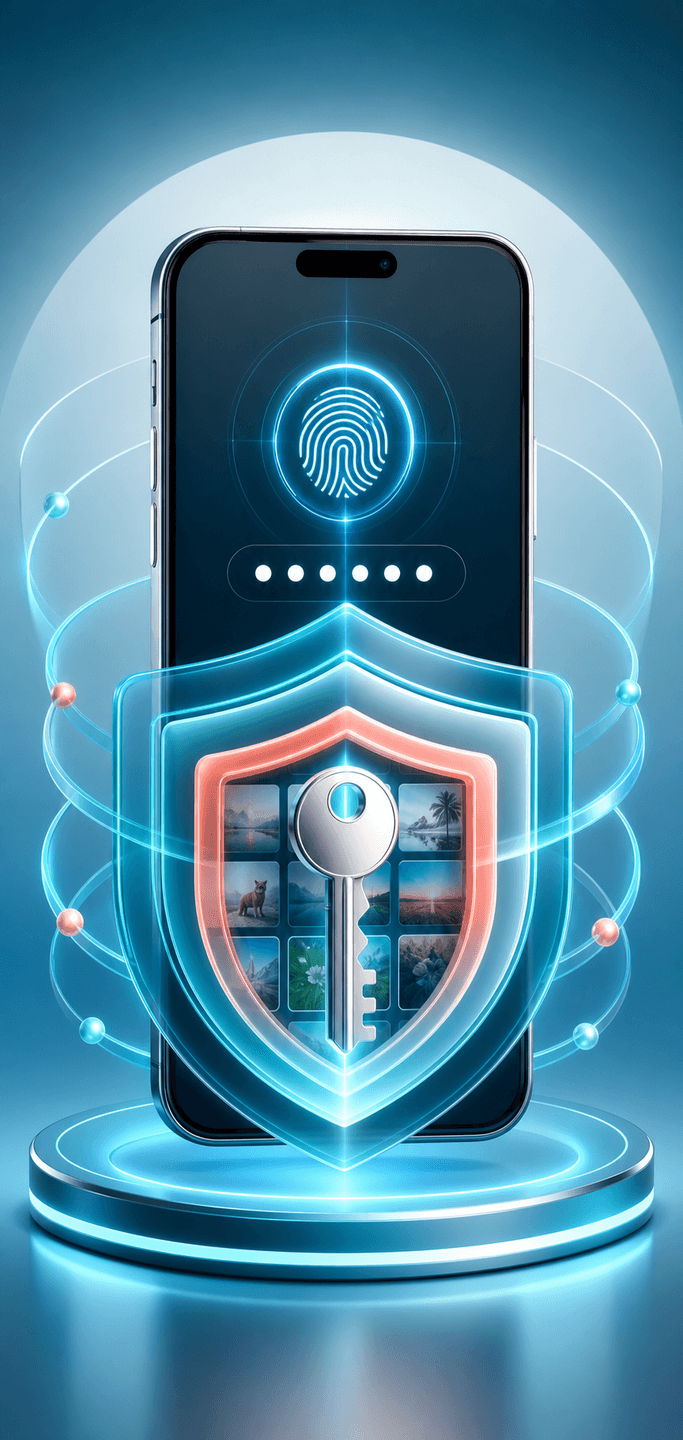
Photos and videos are encrypted with a 256-bit key and only ever decrypted in memory while you use the app.
 PicSafe
Offline-first encrypted vault
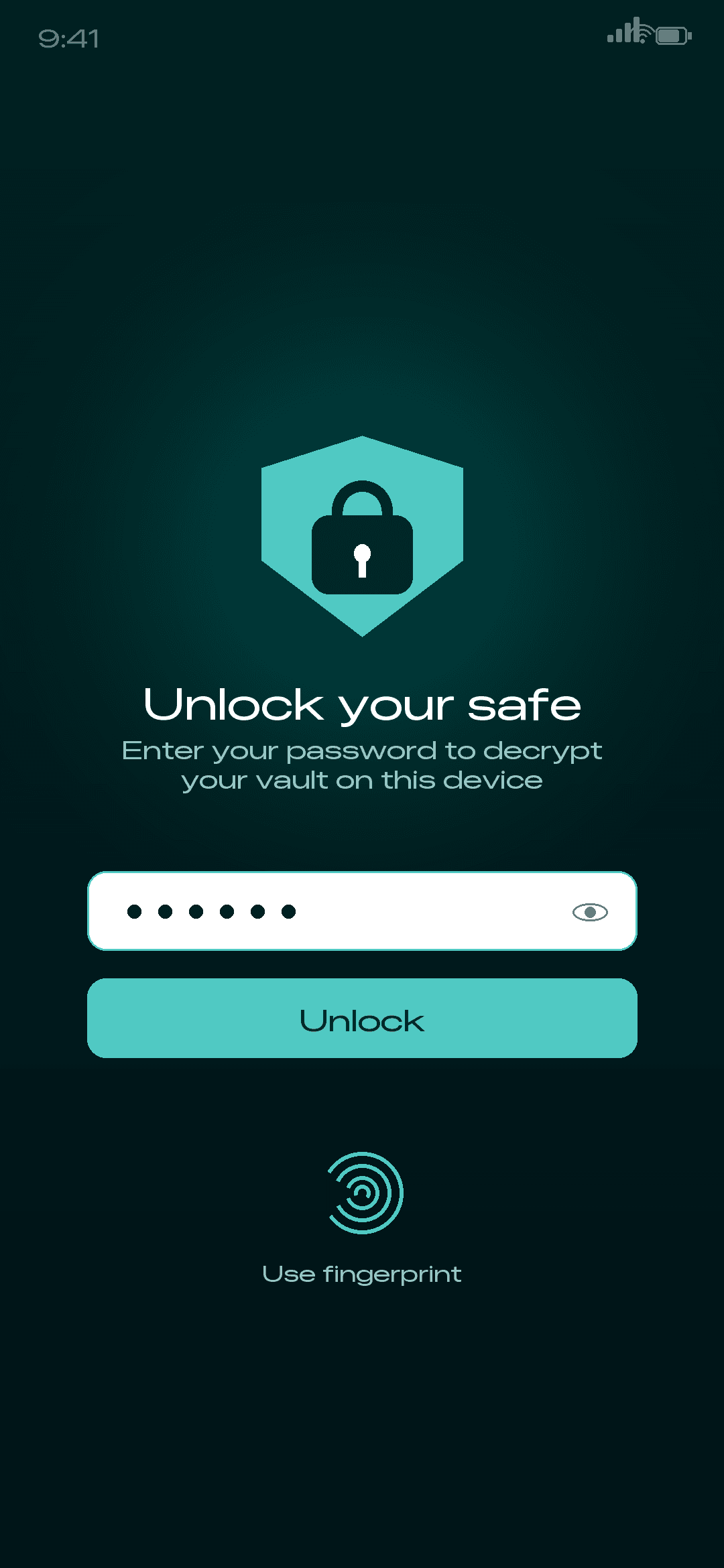
Hide your photos and videos in an on-device vault protected by AES-256 encryption. No account, no cloud upload — your private media never leaves your phone.
Built for privacy
Encrypt on device, browse a real gallery, unlock with your fingerprint, back up on your own terms, and hide the app itself — all with no account and no network.
Photos and videos are encrypted with a 256-bit key and only ever decrypted in memory while you use the app.
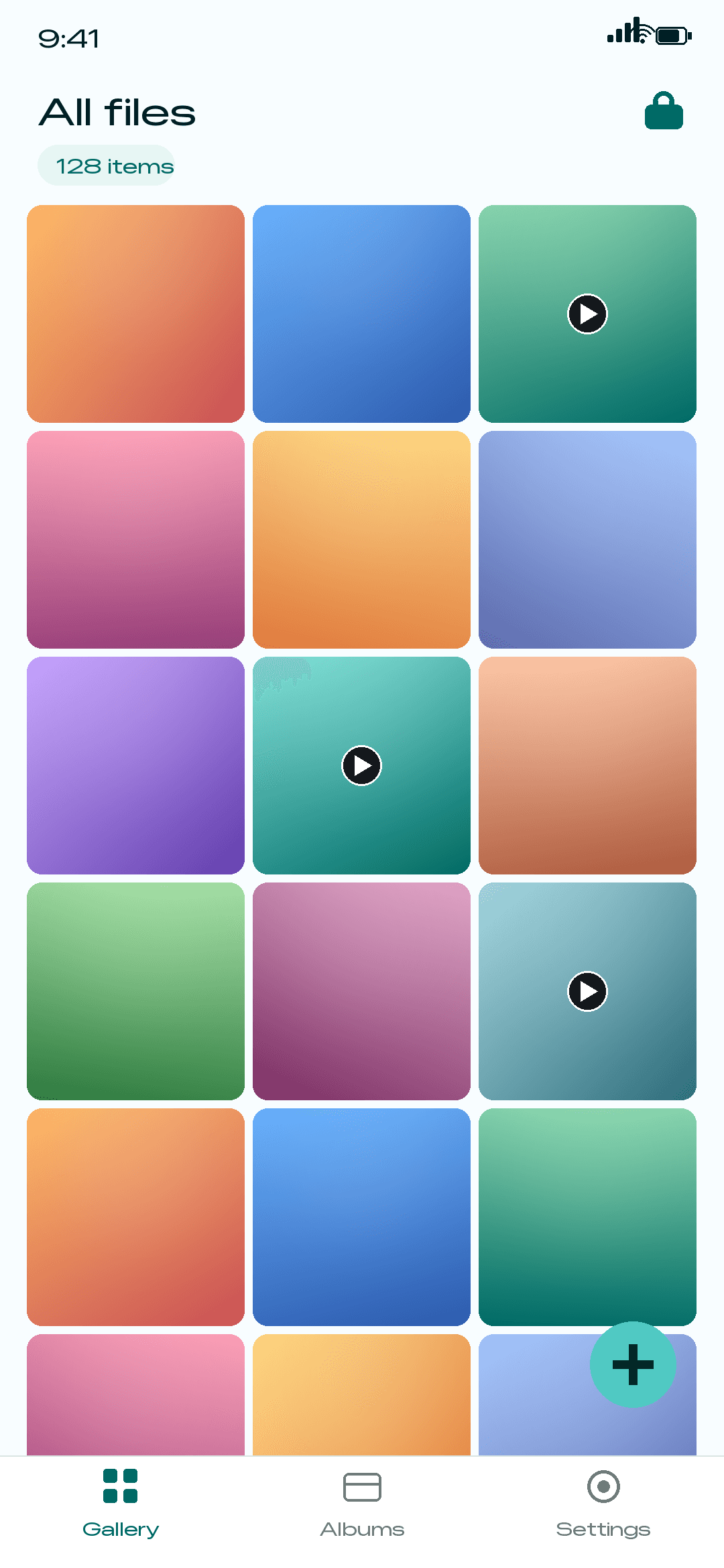
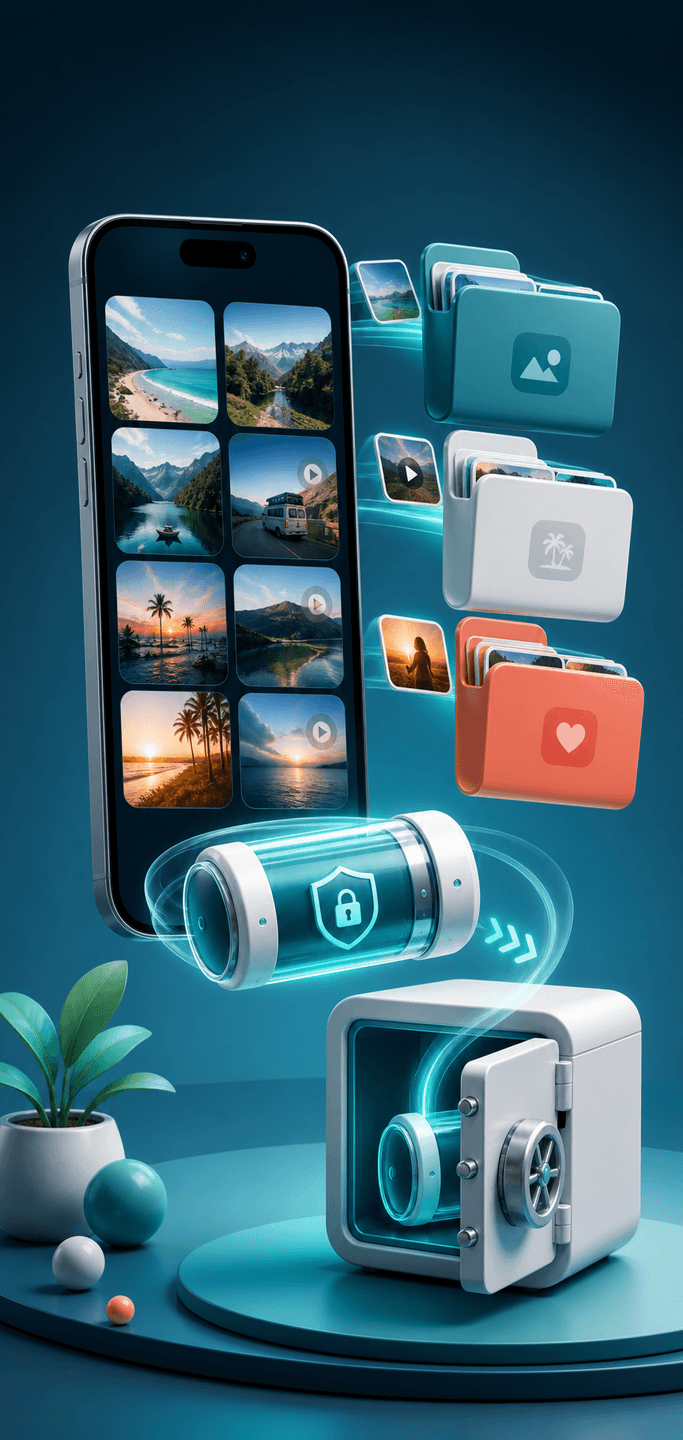
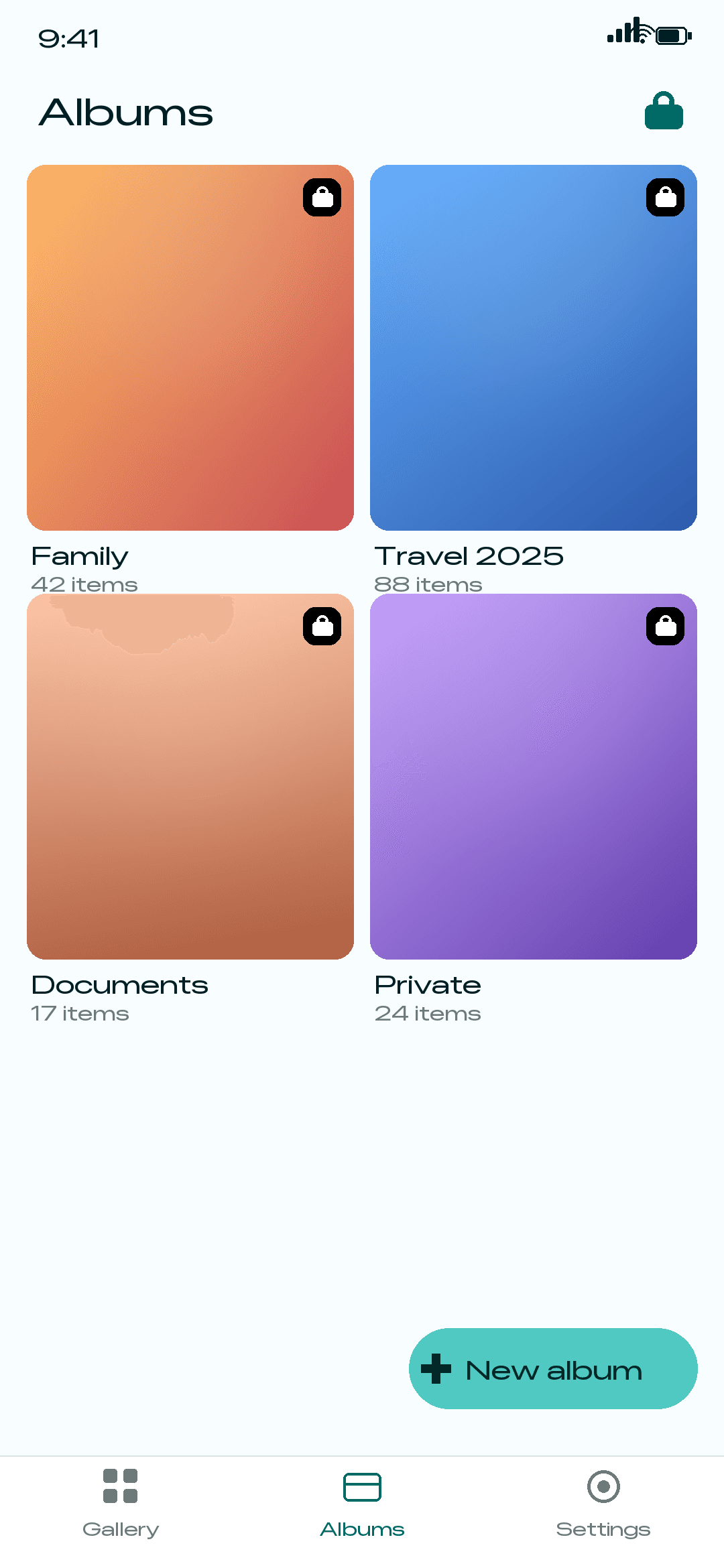
Browse a clean gallery, pin favourites, and organise hidden media into private albums.
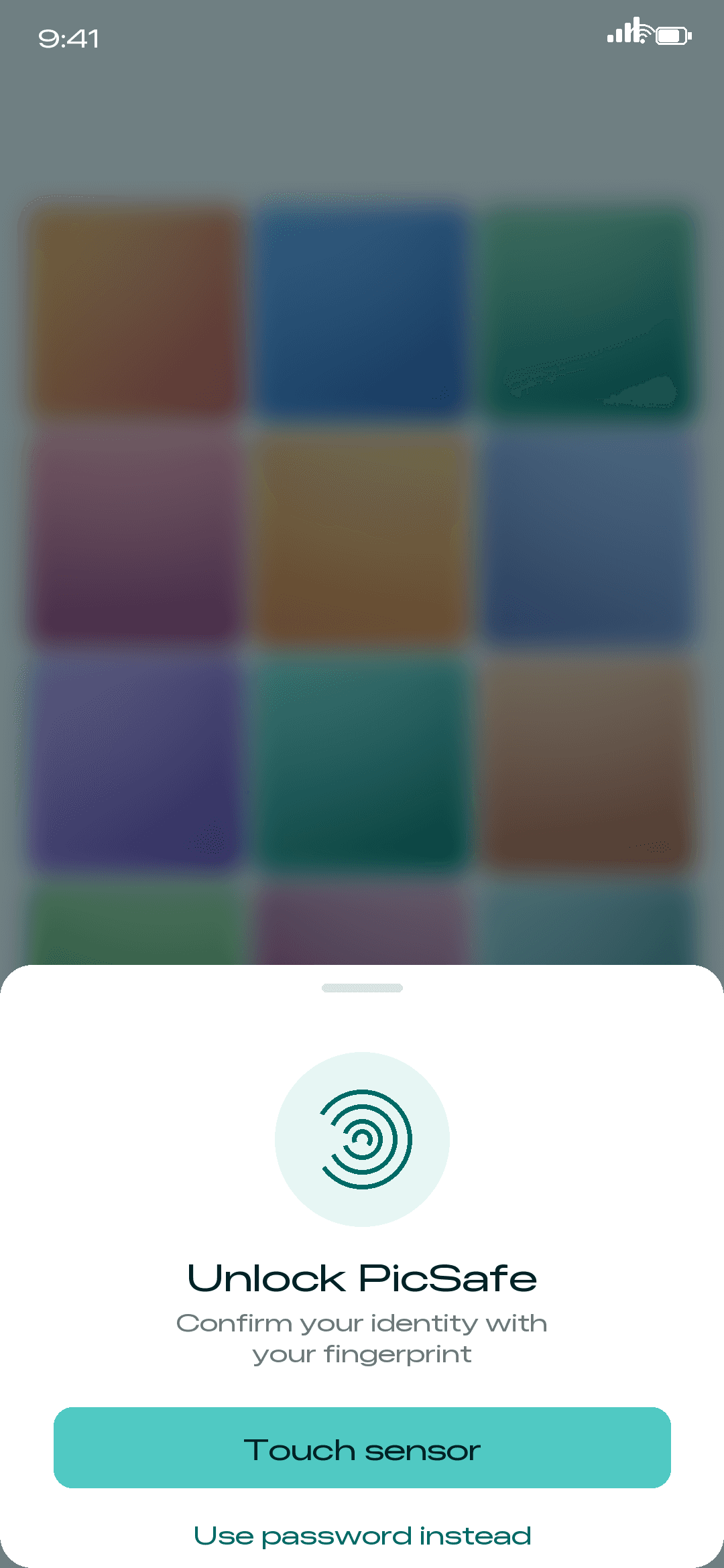
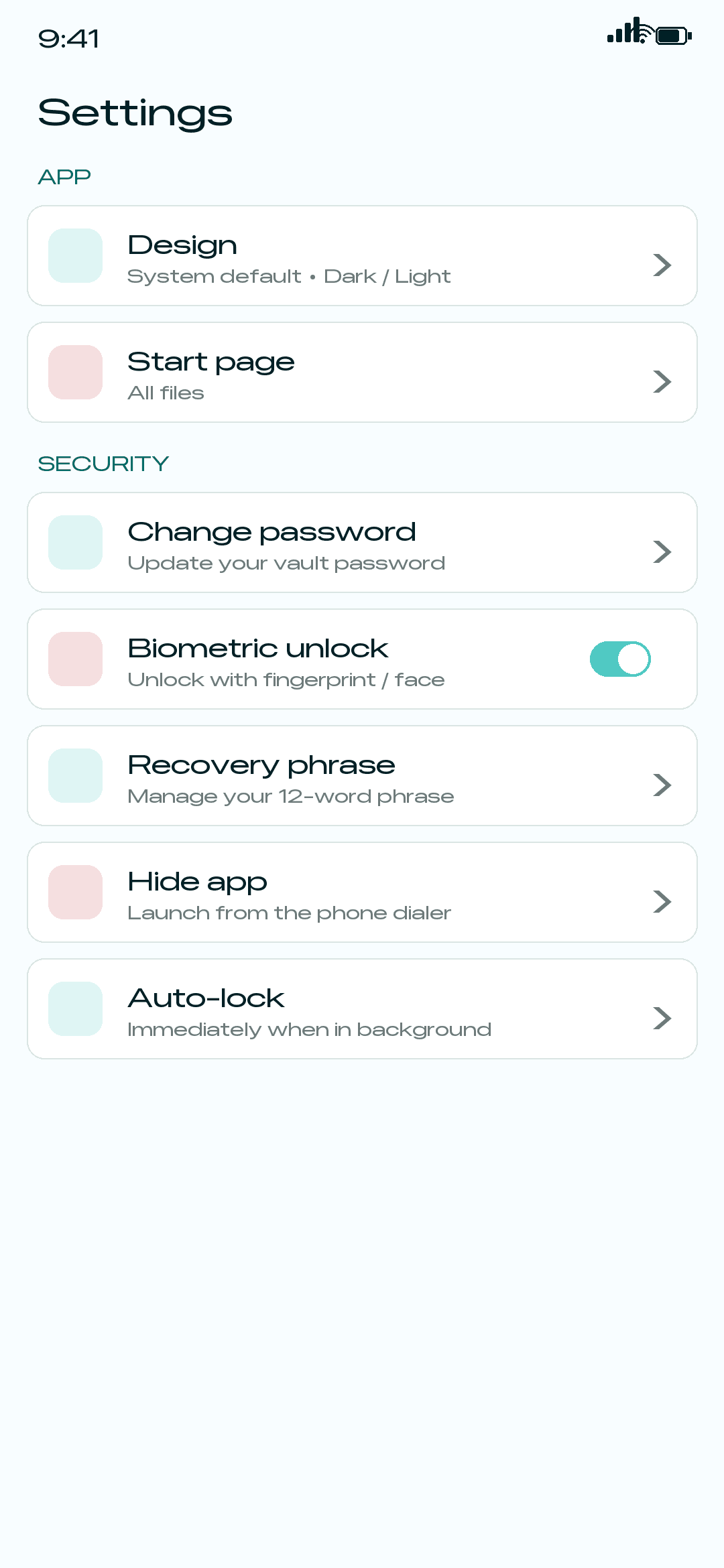
Open your safe with a password or one tap of your fingerprint or face.
There is no server, no sign-up, and no cloud upload. Your media never leaves your phone.
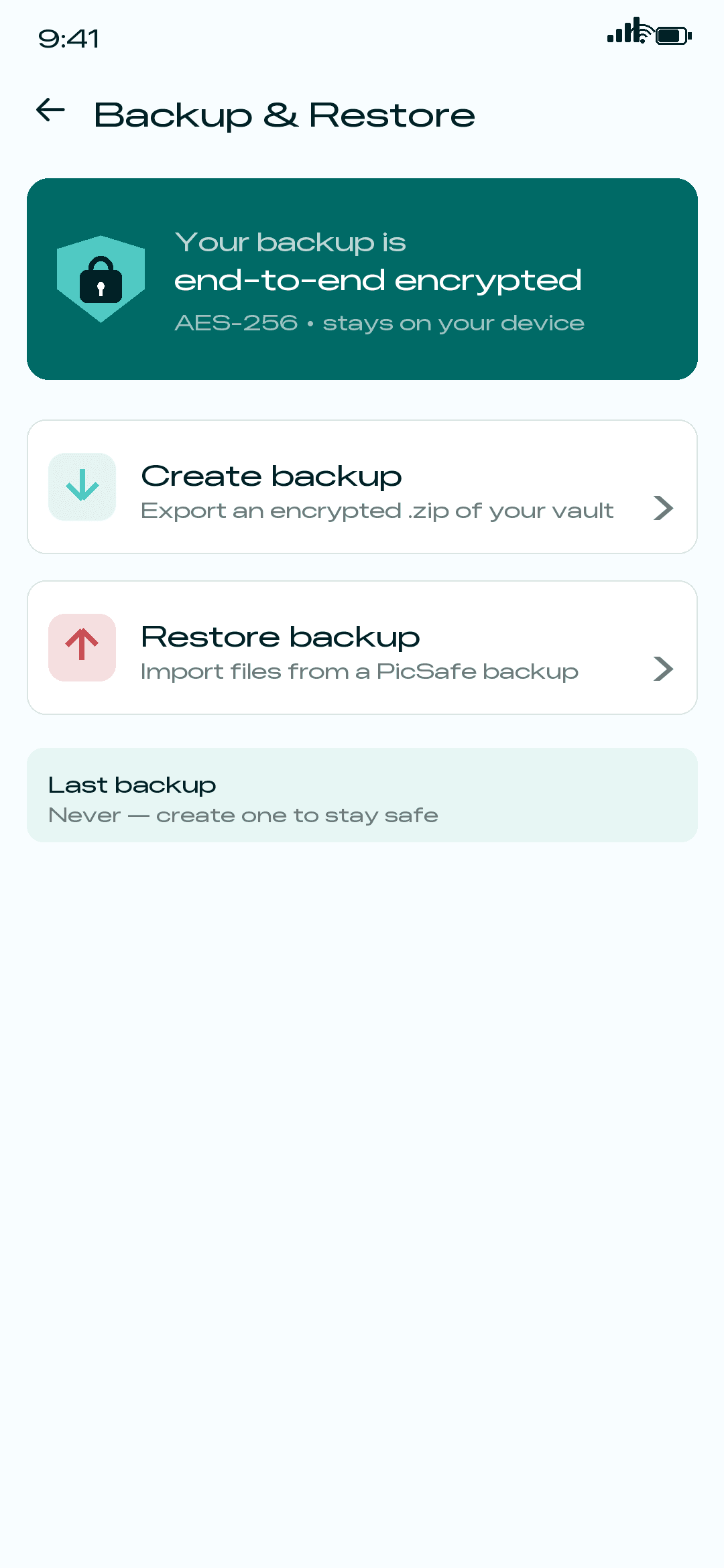
Export an encrypted backup and restore it later, all on your own terms and storage.
Disguise PicSafe and launch it discreetly from the phone dialer with a secret code.
Local by design
PicSafe is built around one privacy boundary: your media is handled on the device you control. The app can access the items you choose to import, encrypts them locally, and does not collect analytics, advertising profiles, or vault contents.
PicSafe has no sign-up flow and no server account. The vault lives in the app's private storage on your phone.
Imported media is written as encrypted .crypt files with a vault key protected by your password or Android biometrics.
Backup files are encrypted exports that you save wherever you decide. PicSafe does not upload or sync them.
Camera access is used for recovery QR scanning. Frames are decoded on device and are not stored or transmitted.

Inside the app
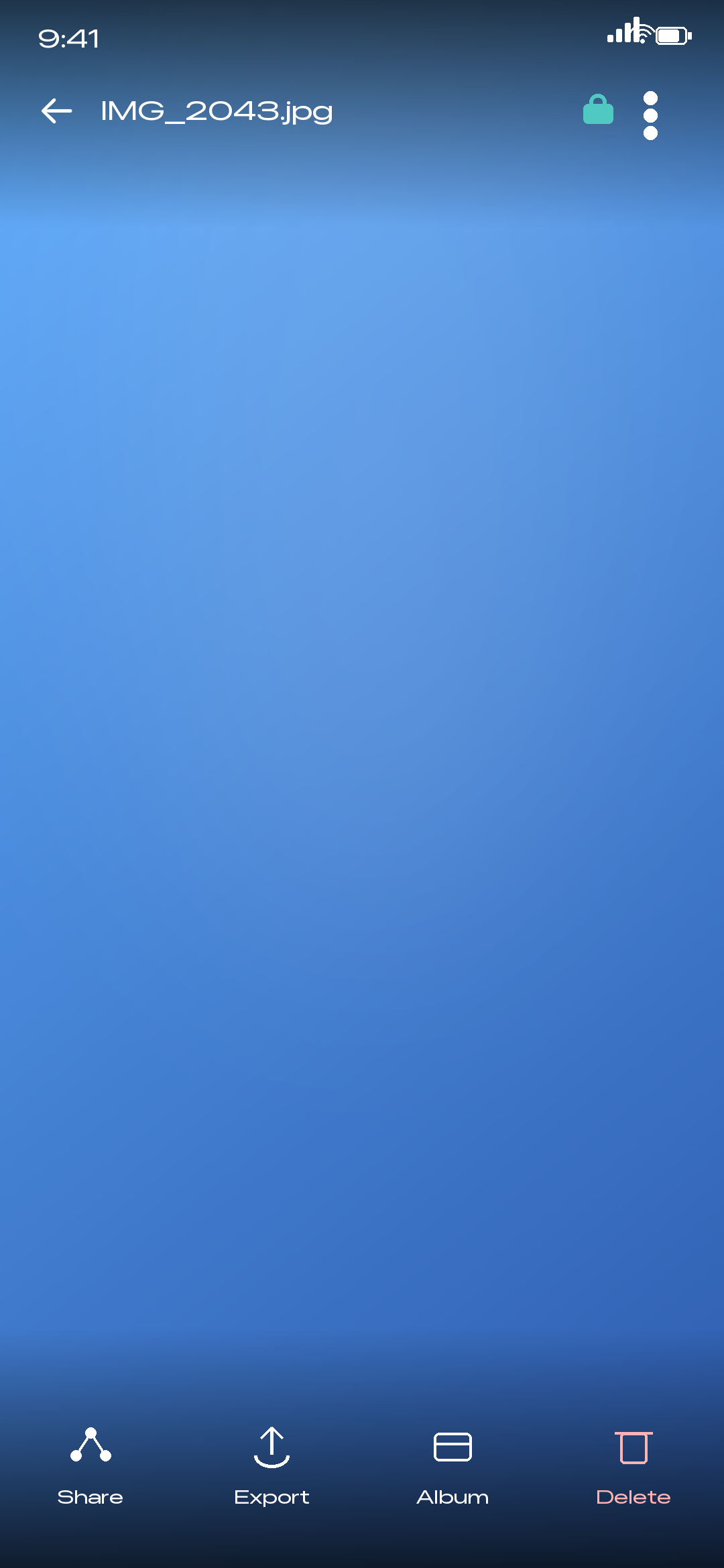
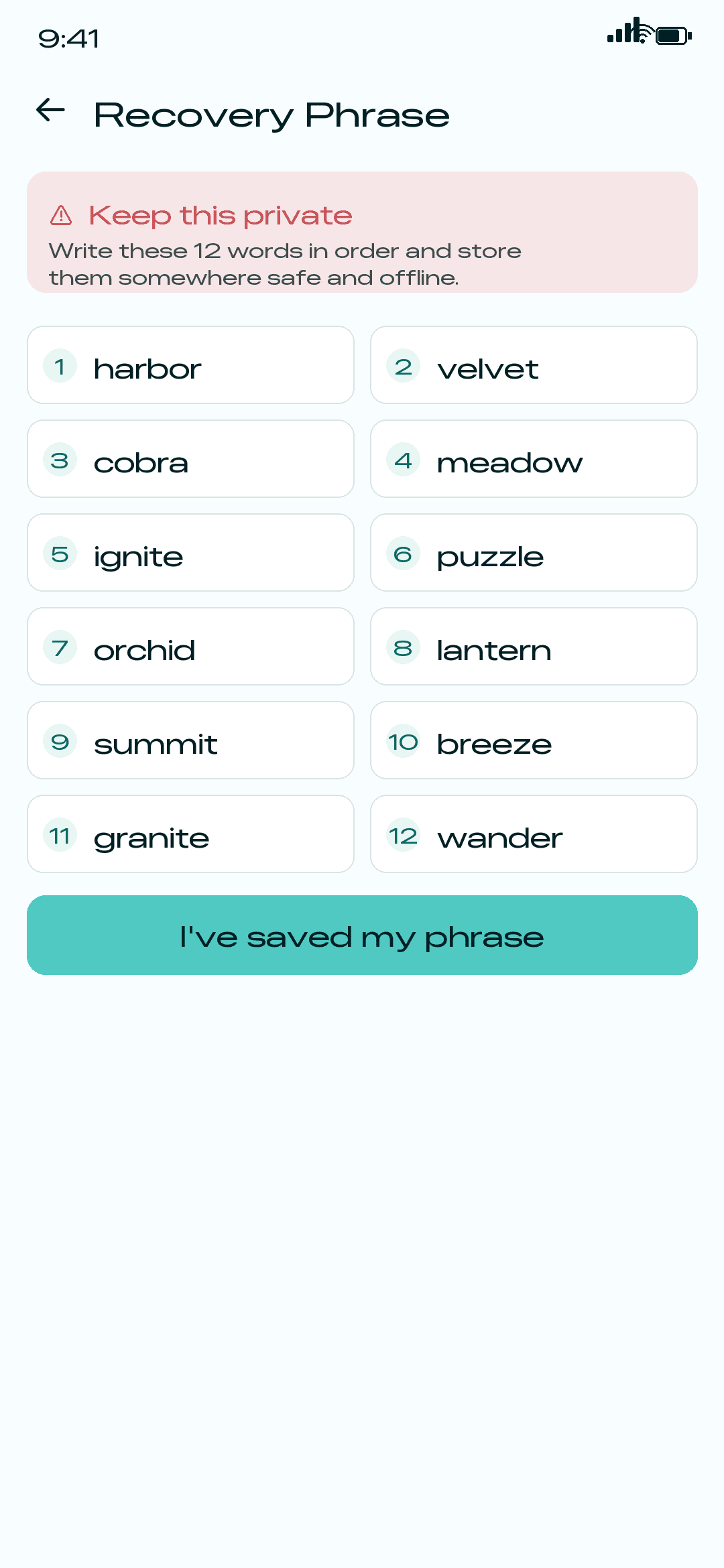
Import media, organise albums, view files without exporting them, and manage every security setting in a clean Material 3 interface.
How it works
PicSafe keeps everything local. You create a safe, move your media inside, and unlock it however you like — the encryption key is derived from your password and never leaves the device.
Set a password once. It derives the key that encrypts every file you add — nothing is stored in plain text.
Bring in photos and videos, then delete the originals from your camera roll. Only PicSafe can open them.
Come back with your fingerprint or password, and keep a recovery phrase for peace of mind.
Get the app
Scan the QR code from desktop or tap the button on mobile to start hiding your photos and videos behind on-device encryption today.
Take back your privacy